ATS Road Trip: Car Purchase and Configuration Trailer
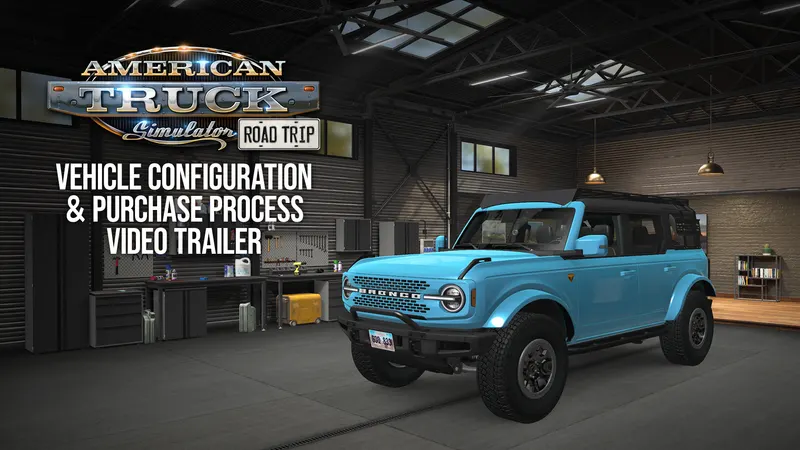
Last week SCS Software explained in a blog post how cars will be bought and customised in American Truck Simulator’s Road Trip. Now the studio’s video team has turned the same topic into a trailer.
What it covers
The video follows both halves of the process: buying a car, then configuring it. In short, you shop at the Car Dealer in the in-game desktop, pick a brand, a model and a colour, then take the car to the My Cars garage for paint and exterior and interior parts. We covered each step, including the side-by-side table view and selling cars, in our earlier breakdown.
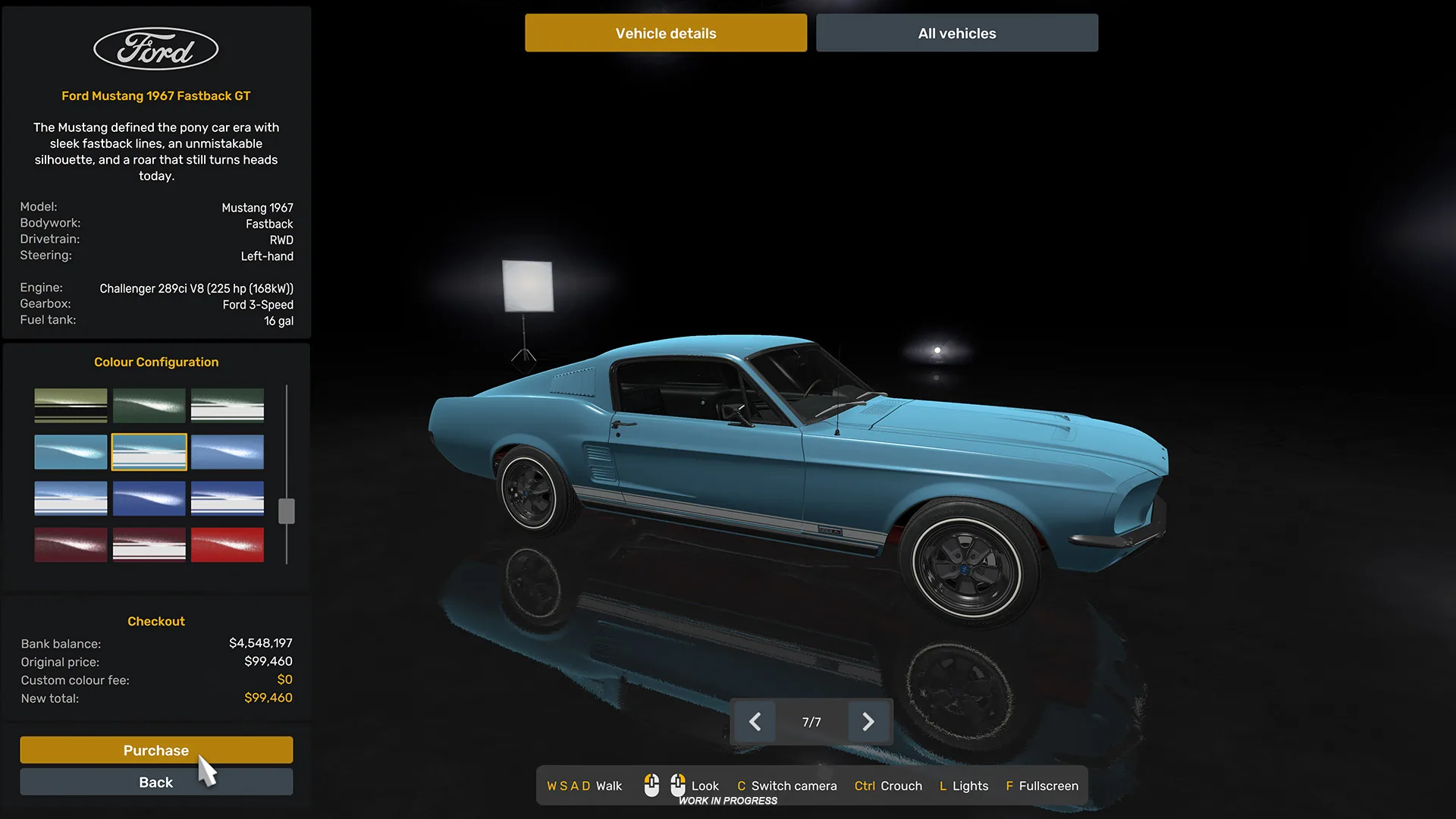
SCS again points out that this works a little differently from what ATS players are used to with trucks. The studio says it hopes the trailer gives a clearer idea of what to expect when Road Trip arrives “further down the road”, a phrase that tells us a release date is still not ready to share.
Our take
Menus are easier to judge on video than in still screenshots, so this is the trailer to watch if you want a sense of how many clicks stand between you and a drive. With the dealer, the garage, Atlas and two gameplay previews now shown, most of Road Trip is on the table. The big gap is work: SCS talked about new kinds of jobs when it announced the project, but has not explained them yet.
Source: SCS Software blog. Images and video: SCS Software.