ETS 2 – Rumble Stripes sound mod
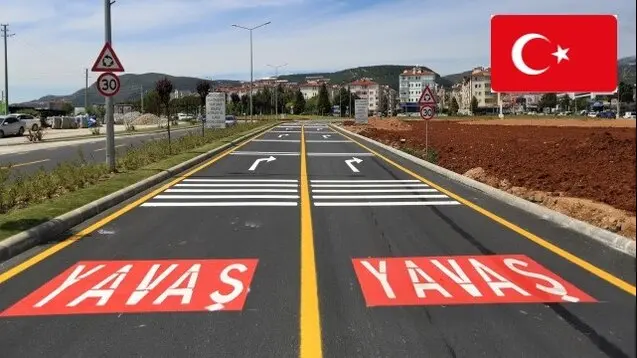
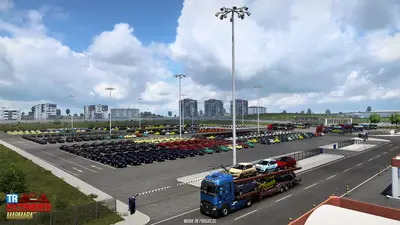
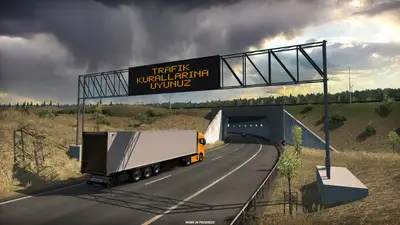
With this mod, you can activate the “Rumble Strips” sounds and vibrations in Turkey (Road to the Black Sea DLC). The truck growls and shakes when its wheels cross the grooved lines at the road edge, the way it already does on many other roads in the game.
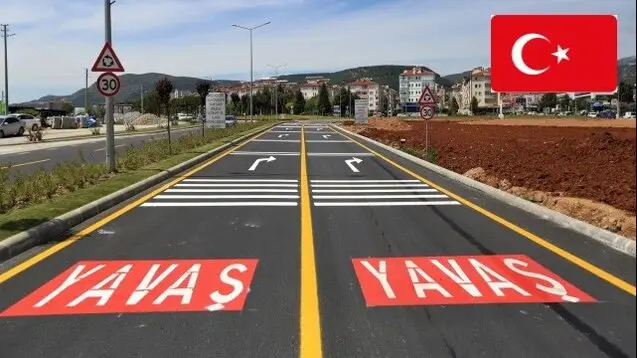
Author: yesilcinar
Game version: 1.43, 1.42 and below
What the mod does
Rumble strips are not new to Euro Truck Simulator 2. Their sound has been in the game since at least patch 1.4 in July 2013, when SCS Software added a console variable, s_rumble_enabled, to switch it on or off. Today the game has a rumble strip option in its audio settings, and that is the switch this mod depends on.
The mod is about Turkey. Road to the Black Sea, released on 5 December 2019, brought Romania, Bulgaria and the European part of Turkey to the map. The Workshop item, titled “Tirtikli Serit (Rumble for TR)” after the Turkish word for a rumble strip, activates the sound and vibration of the strips on the DLC’s Turkish roads. Without it, those lines are just paint.
We searched SCS’s update posts on the official blog, up to the 1.62 open beta of October 2026, for an official change to rumble strips in Turkey and found none, so the mod is still the route to get them.
Compatibility
The game versions above are the ones the mod listed in 2021. When we checked the Workshop page on 29 October 2026, the description had been changed to read “compatible with 1.37 and after versions”, the page showed only the original posting date of 15 November 2021 with no later update, and it had close to 30,000 current subscribers. ETS 2 is now on version 1.61, with 1.62 in open beta, so a check on a test profile is a good idea.
The author’s own notes on the Workshop page:
- ProMods: not compatible with ProMods 2.65 and later. The game may crash.
- Some lines stay silent, for example the lines just in front of toll gates. The author says this is down to the map, not a bug in the mod.
- Edirne: a separate add-on, linked from the Workshop description, enables the strips that do not work at the entrance and exit of Edirne. Load it above any map mods.
Players who run Turkish map expansions, such as the TR Extended Map, should test their own load order, since a map mod can change the same roads.
How to install
- Click Subscribe on the Steam Workshop page linked above.
- Start the game, open the Mod Manager on your profile and enable the mod.
- In Options, go to the audio settings and make sure “Rumble Stripes” is selected. Without it you will hear nothing, mod or no mod.
- Drive to Turkey and drift onto the edge line to test it.
For more sound mods, see our ETS 2 sounds category.