ATS Road Trip: How Buying and Configuring Cars Will Work
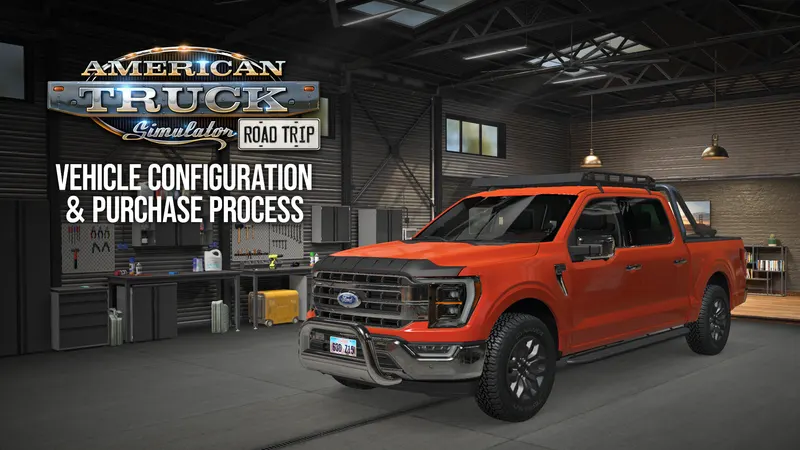
Owning a car in Road Trip will not work quite like owning a truck in American Truck Simulator. SCS Software has now walked through the whole process, from picking a brand to fitting parts, and nearly all of it happens from the in-game desktop.
The Car Dealer
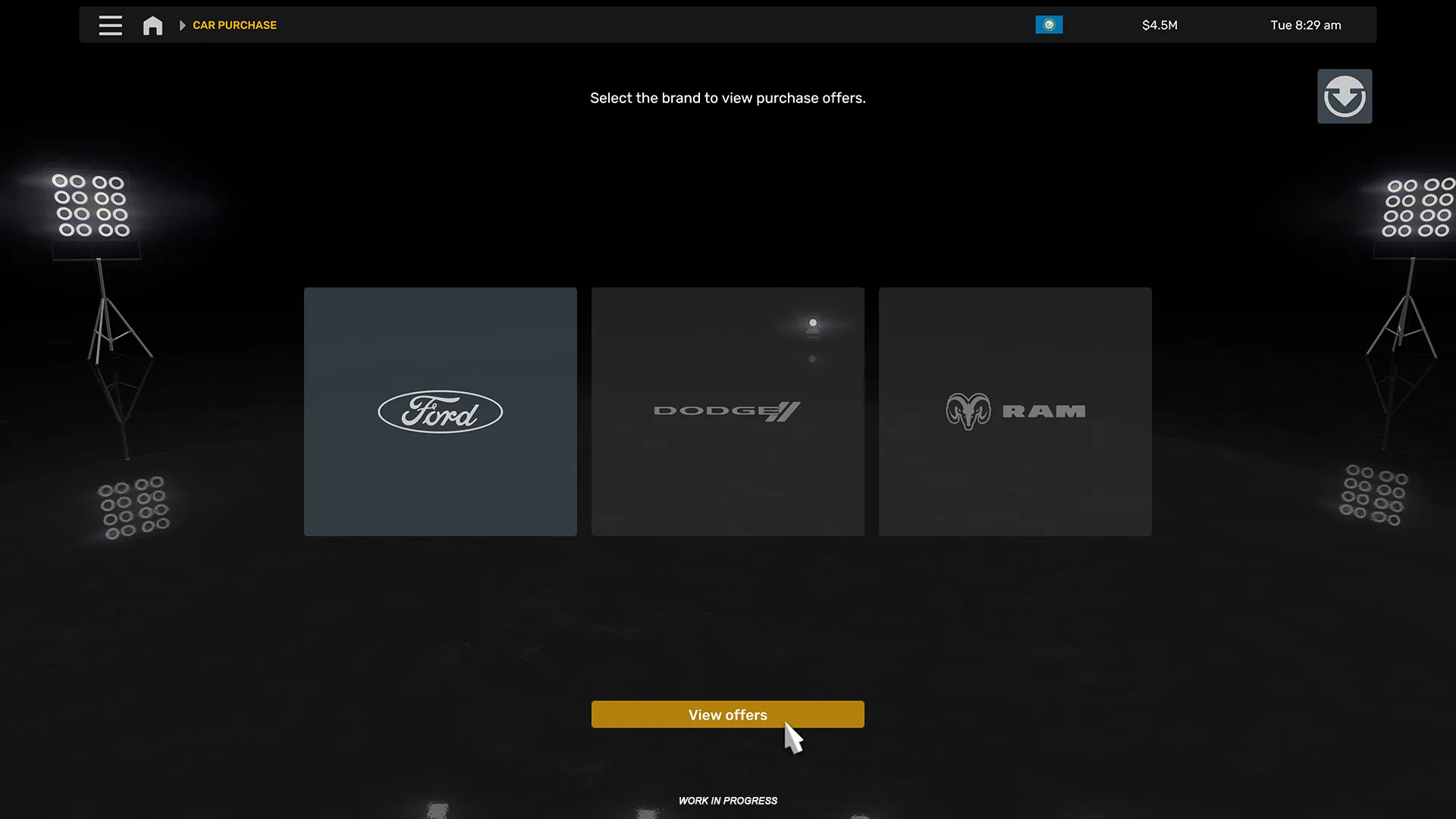
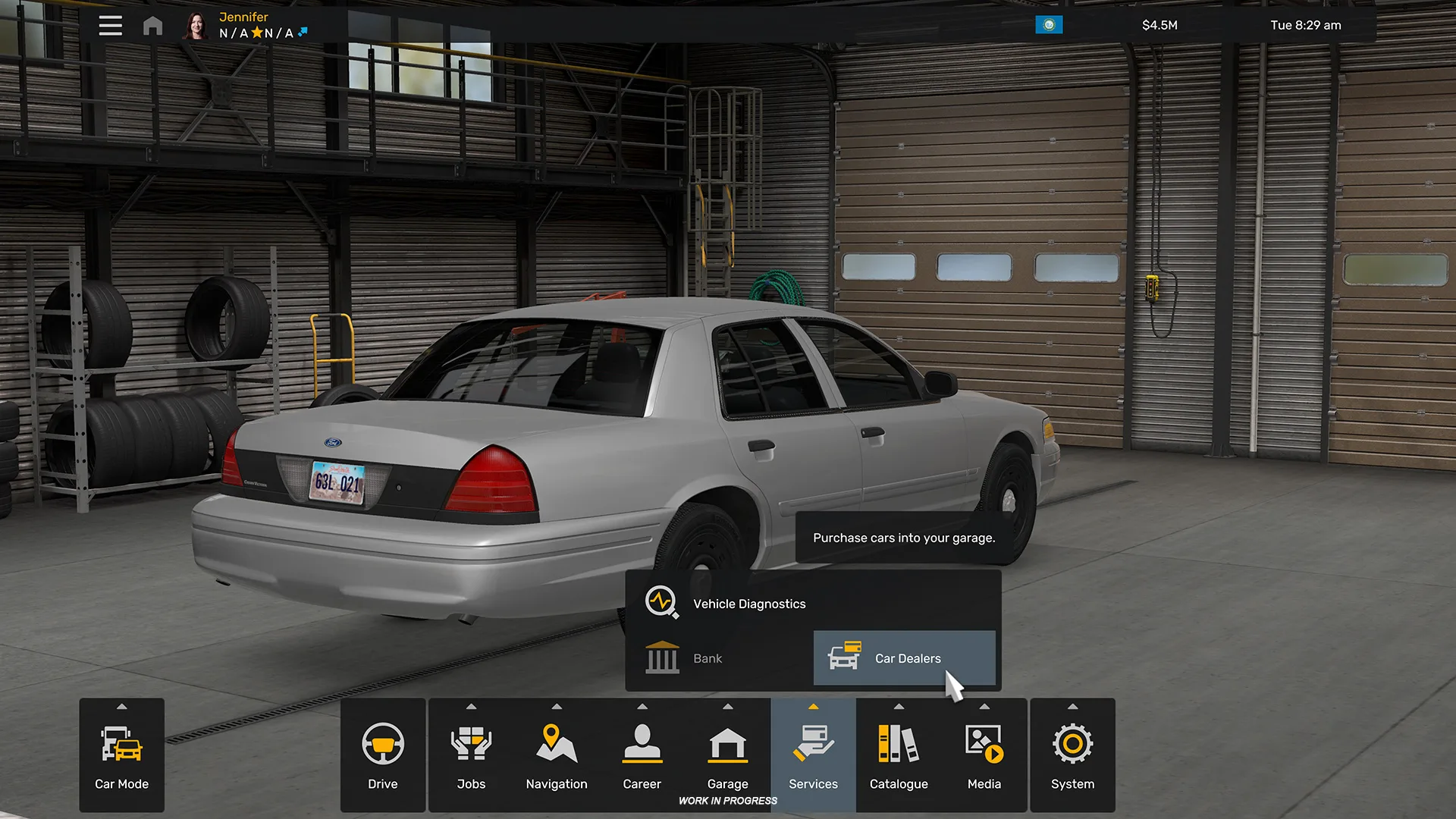
Shopping starts in the Car Dealer tab. The first choice is the brand, and the list depends on which Car Pack DLCs you own. With both packs you can choose between Ford, RAM and Dodge, which also shows that one pack can unlock more than one brand: the RAM & Dodge Car Pack brings two.
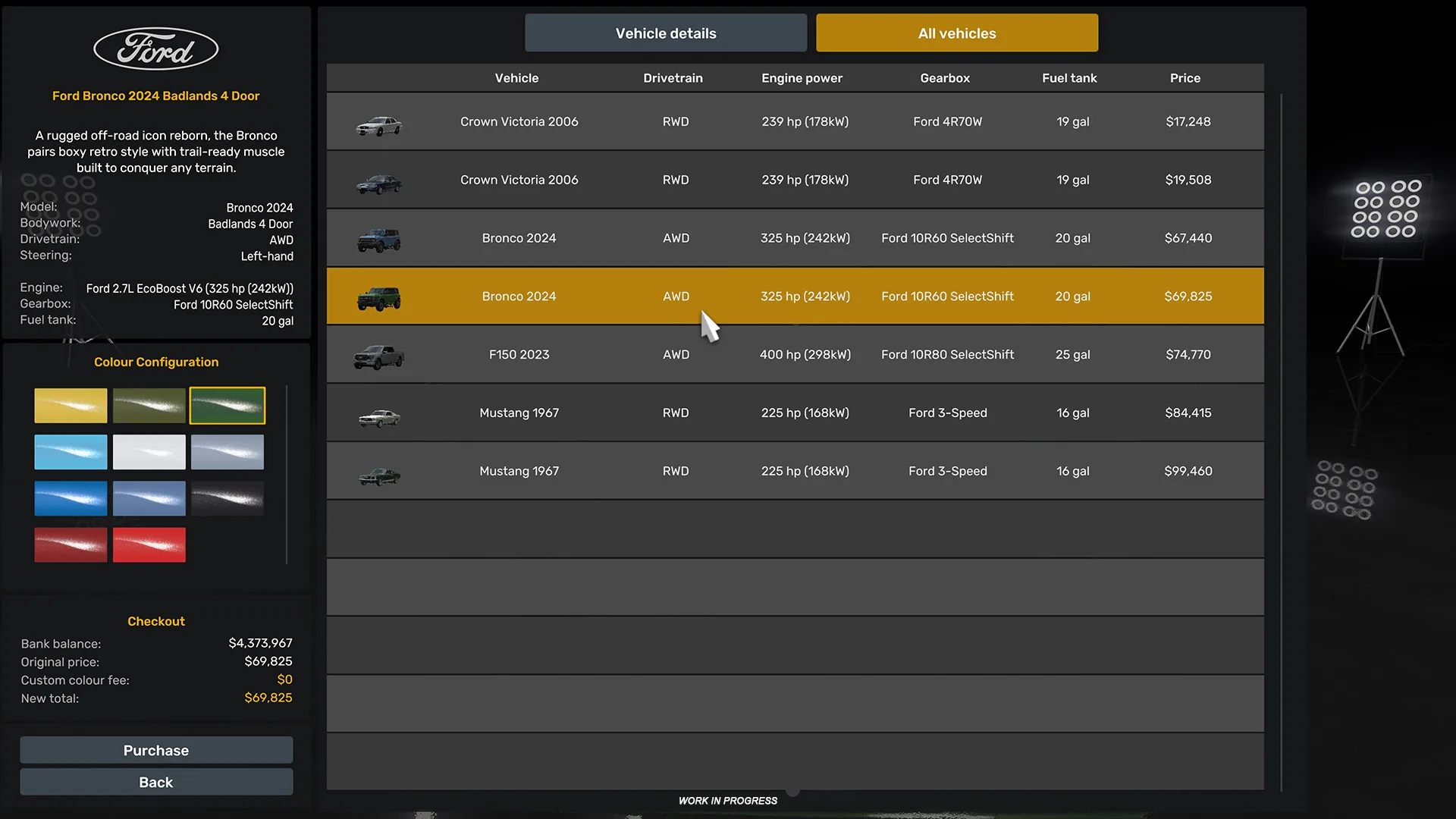
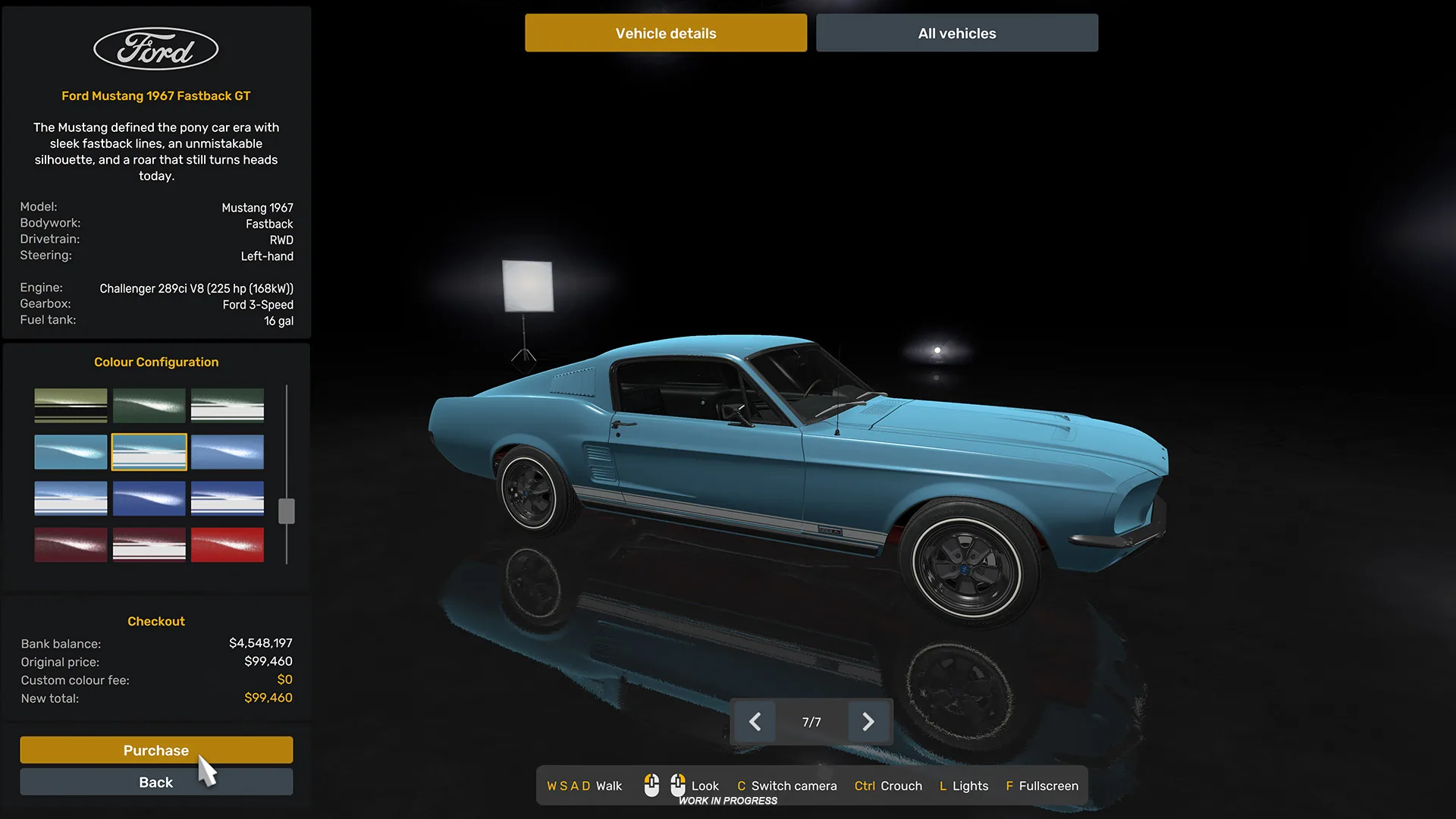
After the brand comes the model. You can look the car over, check its light signature, zoom in on details and read its description, technical details and specifications. Models can be browsed one by one like a catalogue, or in a table view that puts their specs side by side. Colour is chosen before you pay, from a range of options for each car.
My Cars, the new garage
Once the car is yours, you can drive it straight away or head to the garage first. That lives under a new My Cars tab, which SCS describes as a virtual space for viewing, customising and managing your cars. Its layout mirrors the dealer, so you can browse the cars you own, check their details and compare them.
The real work is behind the Configure button. Options are tailored to each car and cover paint jobs as well as exterior and interior parts. SCS adds that selected cabin accessories will be compatible with the Car Pack DLCs, though it does not say which ones. Cars can also be sold from here. When you are done, the Drive button puts you on the road.
More options later
SCS says it is still researching further options and wants to keep adding features and customisation for Road Trip vehicles in the future. There is no list yet, so treat what is shown as the starting point.
Our take
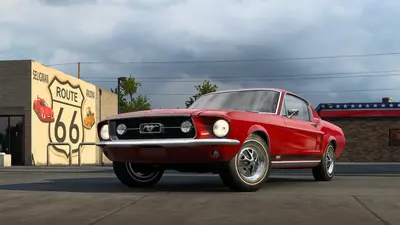
The table view is the detail we like most. A lineup that runs from a 1967 Mustang to a modern off-roader is hard to compare one page at a time, and a side-by-side spec sheet is something we would happily see on the truck side too. It is also the first time SCS has shown how the two packs fit together: own both, and the Ford cars share a dealer screen with the Challenger Hellcat and the rest of the RAM & Dodge line.
Source: SCS Software blog. Images and video: SCS Software.